Thức dậy với bất cứ thứ gì
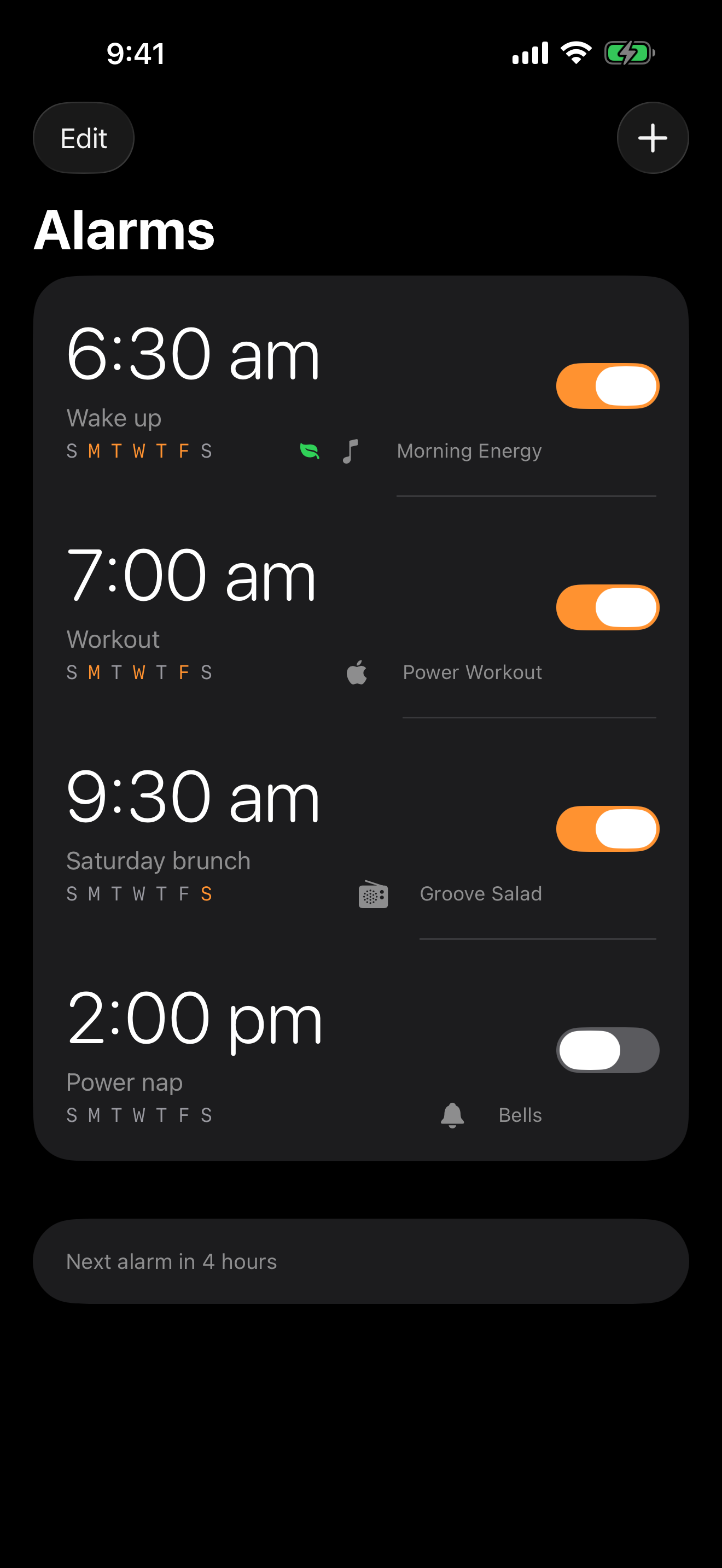
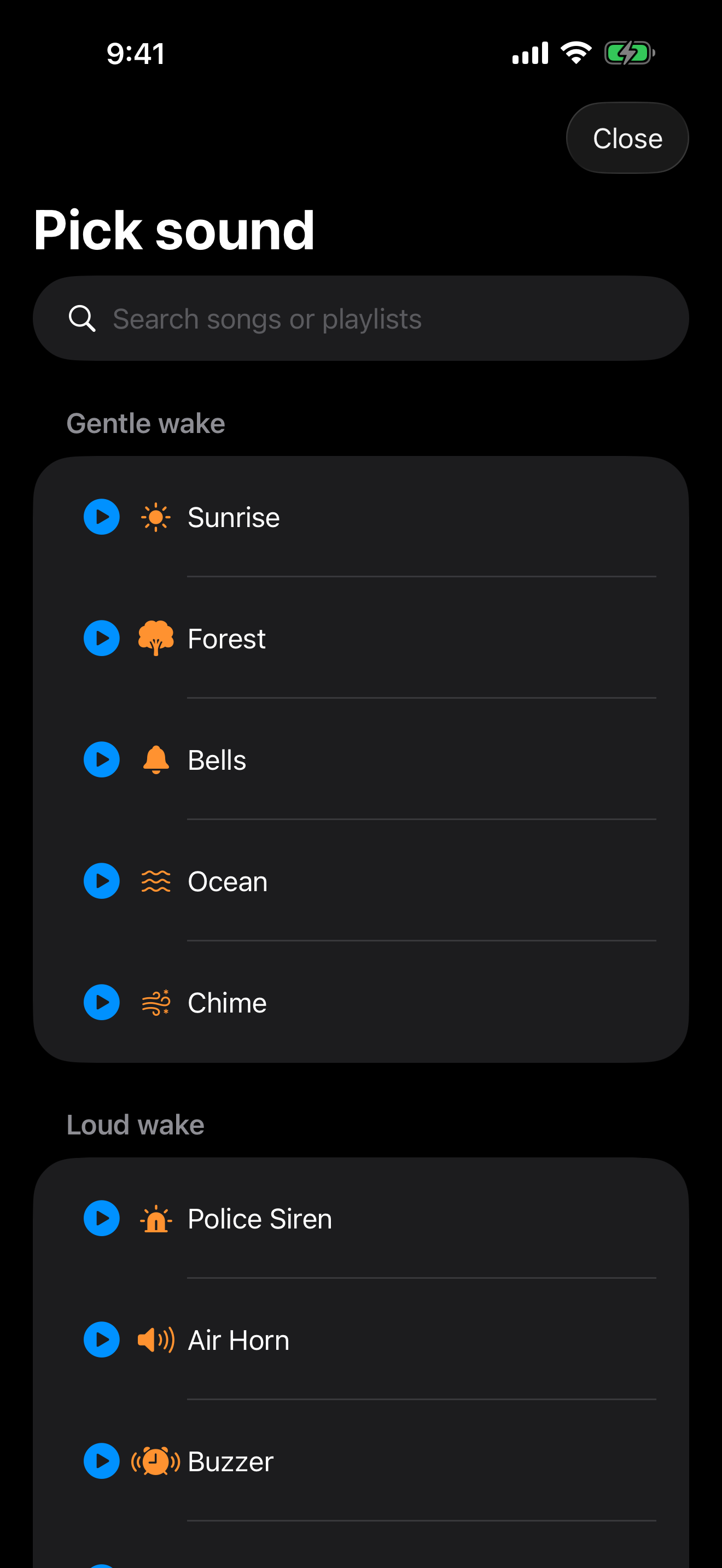
Spotify, Apple Music, YouTube, đài phát thanh internet (hơn 30.000 đài) hoặc 12 âm thanh tích hợp lớn — từ còi báo động đến cưa máy. Cho người ngủ say.
 Alarms Pro
Mới trong iOS 26 — Xây dựng trên AlarmKit
Thức dậy với playlist Spotify, một bài hát Apple Music, đài phát thanh internet, video YouTube hoặc một trong 12 âm thanh tích hợp không thể bỏ qua. Smart Wake trong giấc ngủ nhẹ, âm lượng tăng dần và những thử thách khiến việc tạm hoãn báo thức là không thể.
Tải về App StoreDùng thử miễn phí • iPhone, iPad và Apple Watch
Features
Sáu điều ứng dụng Đồng hồ mặc định không làm được.
Spotify, Apple Music, YouTube, đài phát thanh internet (hơn 30.000 đài) hoặc 12 âm thanh tích hợp lớn — từ còi báo động đến cưa máy. Cho người ngủ say.
Sử dụng theo dõi giấc ngủ của Apple Watch để đánh thức bạn trong giấc ngủ nhẹ, lên đến 30 phút trước thời gian đã đặt. Hết tỉnh dậy lờ đờ.
Báo thức hệ thống toàn màn hình bỏ qua chế độ Không làm phiền, các chế độ Tập trung và im lặng — giống hệt ứng dụng Đồng hồ của Apple. Báo thức luôn kêu.
Giải toán, lắc điện thoại 20 lần, quét mã vạch, chụp ảnh hoặc lặp lại mẫu Simon trước khi báo thức tắt.
Tăng dần từ im lặng đến âm lượng đánh thức trong tối đa 5 phút, cộng với số lần báo lại tối đa cho mỗi báo thức.
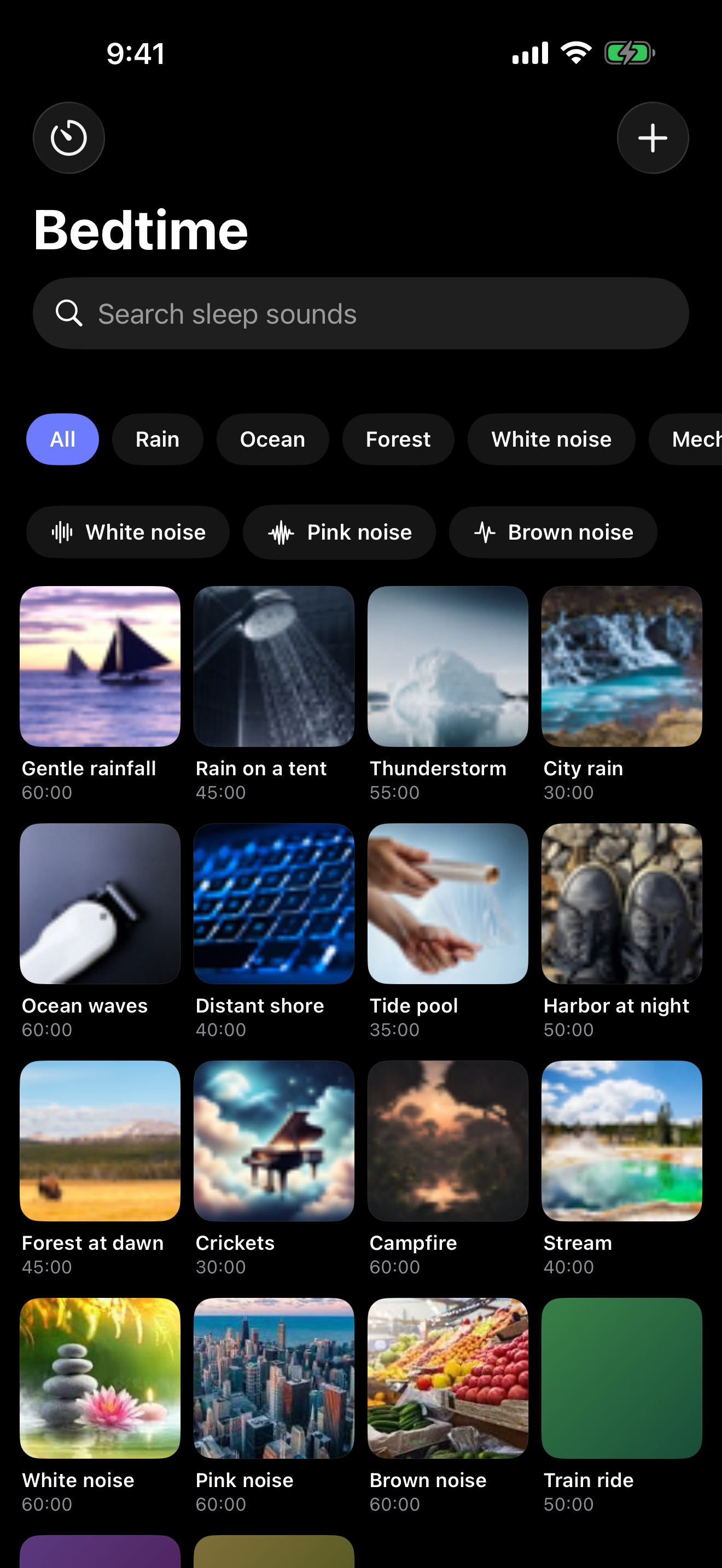
Tab thứ hai với âm thanh ru ngủ đồng bộ qua CloudKit — biển, mưa, quạt, tiếng ồn trắng, tàu hỏa — với hẹn giờ ngủ tắt dần.
Why not just use Clock?
Ứng dụng Đồng hồ cung cấp 25 nhạc chuông. Vậy thôi.
| Alarms Pro | Đồng hồ mặc định | |
|---|---|---|
| Báo thức nhạc và podcast | ✓ | — |
| Radio internet (30.000 đài) | ✓ | — |
| Smart Wake trong giấc ngủ nhẹ | ✓ | — |
| Thử thách thức dậy (toán, lắc, quét) | ✓ | — |
| Âm lượng tăng dần | ✓ | — |
| Giới hạn báo lại theo từng báo thức | ✓ | — |
| Thư viện âm thanh ru ngủ | ✓ | — |
| Widget và Dynamic Island | ✓ | — |
| iOS 26 AlarmKit (bỏ qua Không làm phiền) | ✓ | — |
A quick tour
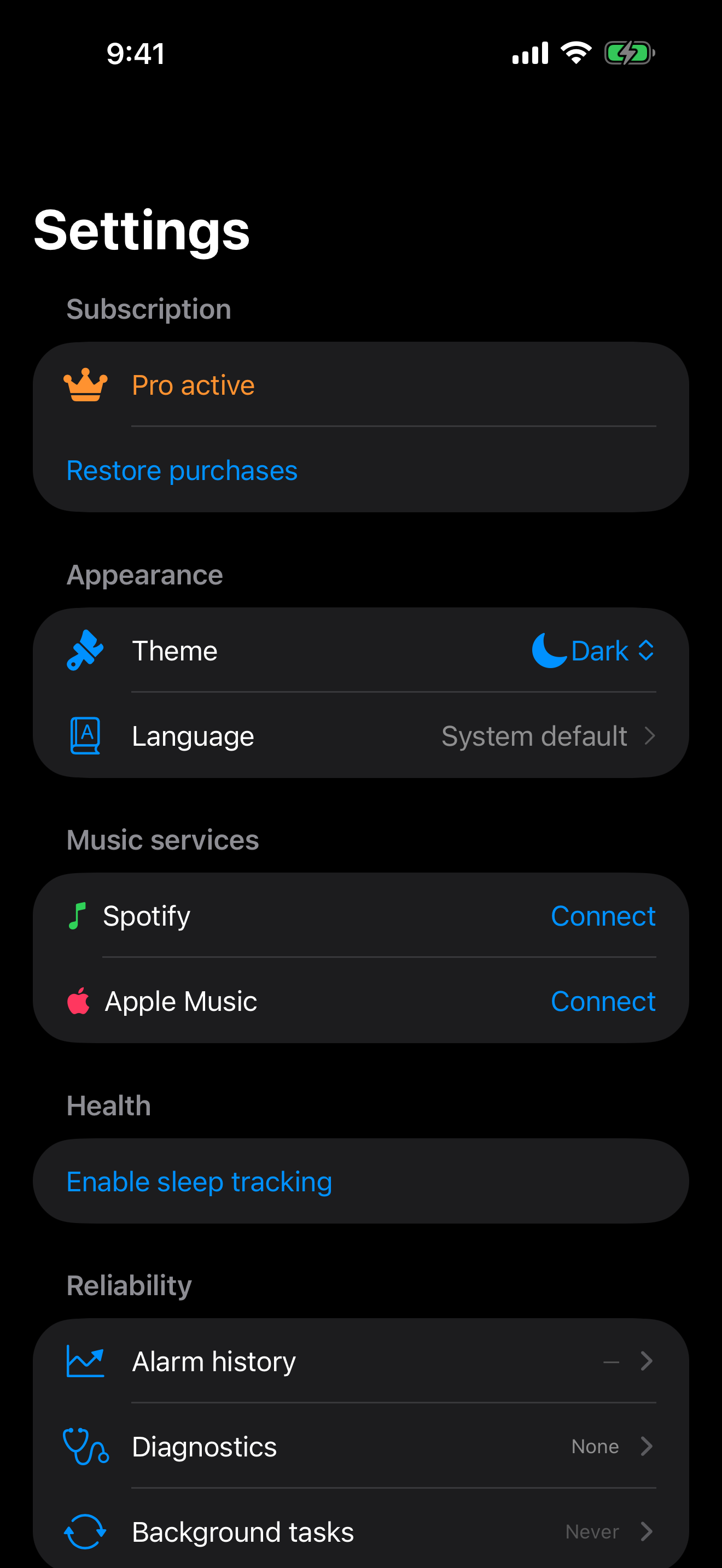
Pricing
Không quảng cáo. Không theo dõi. Hủy bất cứ lúc nào trong tài khoản App Store của bạn.
$0 mãi mãi
Hai báo thức. Thử thách toán. 12 âm thanh tích hợp. Thử thư viện âm thanh ru ngủ.
$39.99 mỗi năm
Báo thức không giới hạn, mọi nguồn, Smart Wake, mọi thử thách và mọi âm thanh ru ngủ.
$79.99 một lần
Trả một lần. Mọi tính năng Pro mãi mãi, bao gồm cả các bản cập nhật trong tương lai.
$9.99 mỗi tháng
Cùng tính năng Pro hàng tháng.
$4.99 mỗi tuần
7 ngày dùng thử miễn phí. Hủy trước khi kết thúc thời gian dùng thử.
Đăng ký tự động gia hạn trừ khi hủy ít nhất 24 giờ trước khi kết thúc kỳ. Quản lý đăng ký trong tài khoản App Store của bạn.
Questions
Tải xuống miễn phí. Pro miễn phí 7 ngày. Sau đó 119.000 ₫/tuần, 949.000 ₫/năm hoặc 1.899.000 ₫ một lần.
Tải Alarms Pro